Save admin time
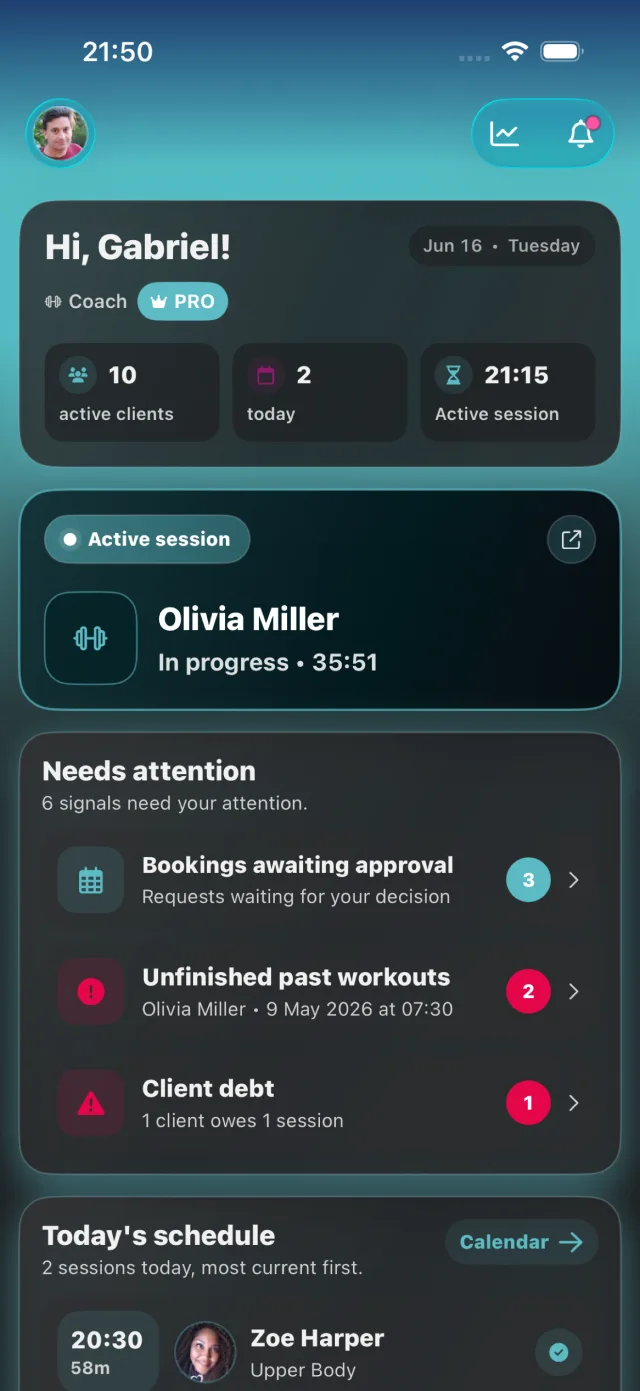
Bookings, client details, workout plans, and payments live in one place.
 CoachAssistGYM
New · PRO betaMeet your AI workout planner ↗
Your clients. Your plans. Your next session. Bring your coaching business together, and give your people your full attention.
Free to start. No credit card needed.
From the first booking to the last rep.
New · PRO beta
Turn your own goal or your client’s goal, available equipment and weekly rhythm into a workout draft. Review it, make it yours, and save it alongside your existing plans.
Try it in the web appFor PRO coaches and independent PRO clients · Monthly generation limits apply.
Available on the web. Included in the iOS and Android test versions.
Interactive demo · no sign-in
Try the AI planning flow: set a goal, shape your week, then make the draft yours.
Start with a focus. See how it shapes the sample.
Choose a rhythm and the equipment you have.
Preview again to apply these settings. This replaces your sample edits.
Interactive demo · no sign-in
A quick preview of how the AI planner works.
Open an exercise to swap it or adjust sets, reps and rest.
You choose the weights
Continue in CoachAssist with your PRO account.
Create a real plan in the appIllustrative demo with preset exercises and simulated AI planning. No real plan is generated or saved.
Uses reviewed exercises from CoachAssist and your approved custom exercises.
Review the sessions, swap exercises and choose the training weights before saving.
Names, contact details and private health notes are not sent to the AI provider.
New coaching tools · beta
Keep the appointment, the training and the payment connected — whether you coach in the gym or online.
Find these tools in your existing Calendar, Clients, journals and Finance. Available in the web app and rolling out in the mobile beta. Coaching payments are recorded manually; no automatic card billing.
No workout program required.
Shared weight, steps, calories and training.
Why CoachAssist
The goal is simple: keep your clients, schedule, payments, and coaching work organized without juggling five tools.
Bookings, client details, workout plans, and payments live in one place.
Clients can request appointments online while you stay in control of approvals.
Track packages, balances, paid sessions, and revenue history next to each client.
Give clients a clear app experience for workouts, check-ins, and progress.
Core features
Take a look inside. Choose what matters to you.
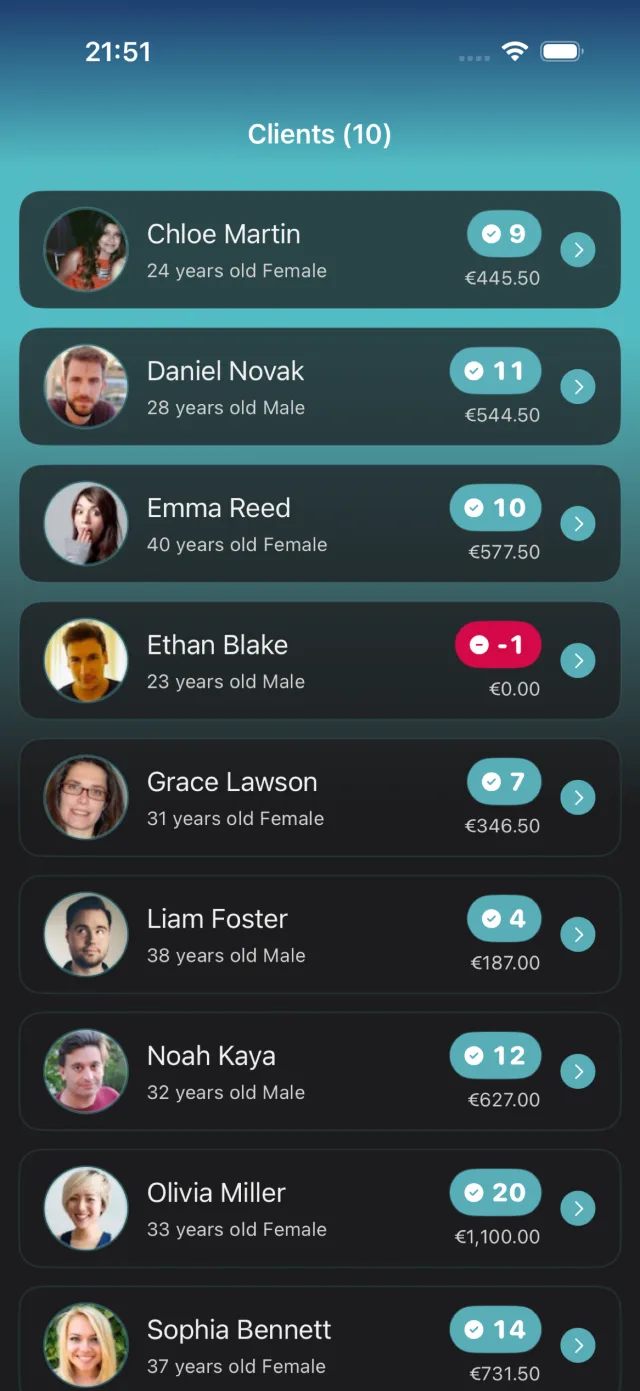
Clients
Keep profiles, notes and your coaching relationship together. Pick up where you left off, every time.
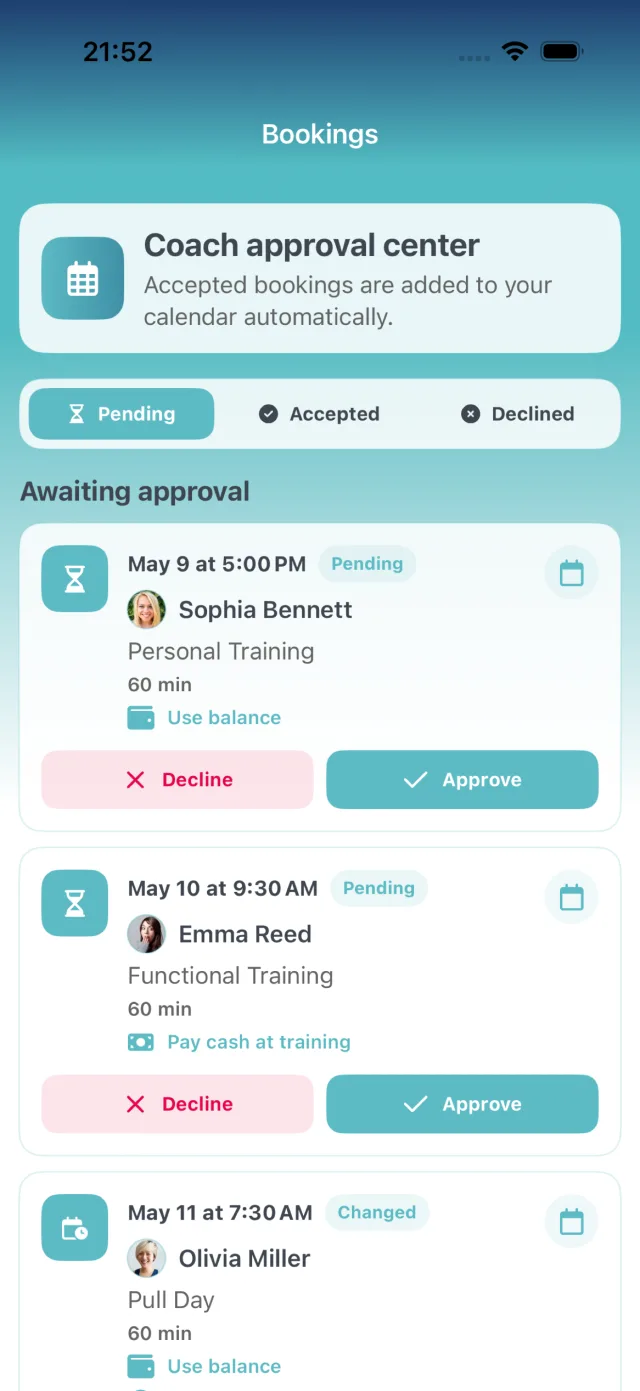
Bookings
Let clients request a time. Review bookings and shape your schedule around the way you coach.
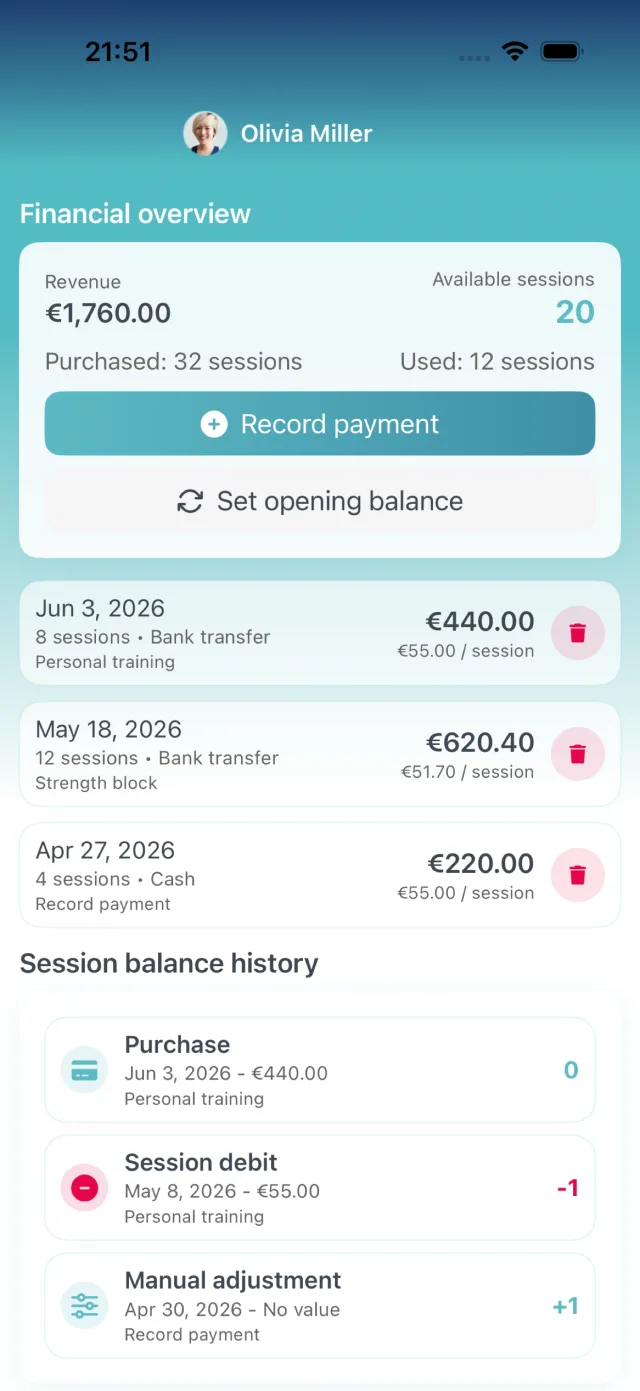
Payments
Packages, session balances and payment history. The context you need, right next to your client.
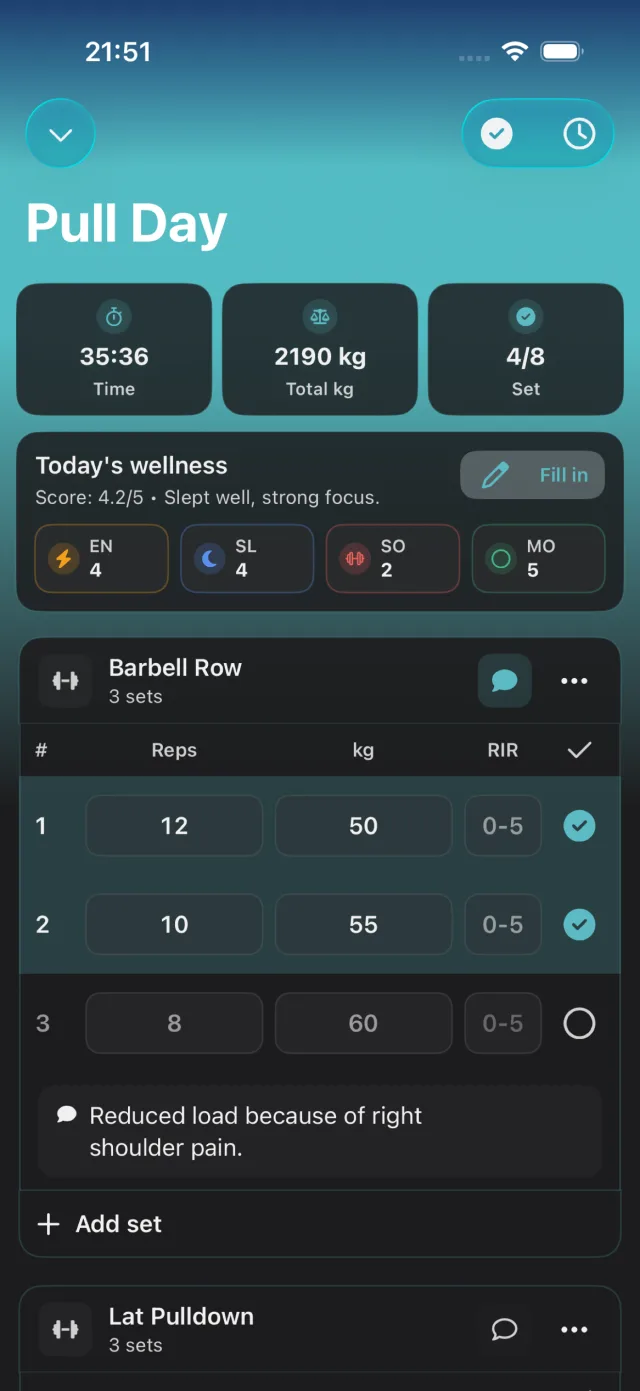
Workouts
Build a routine, log each set and adjust as you go. Everything you need is close at hand.
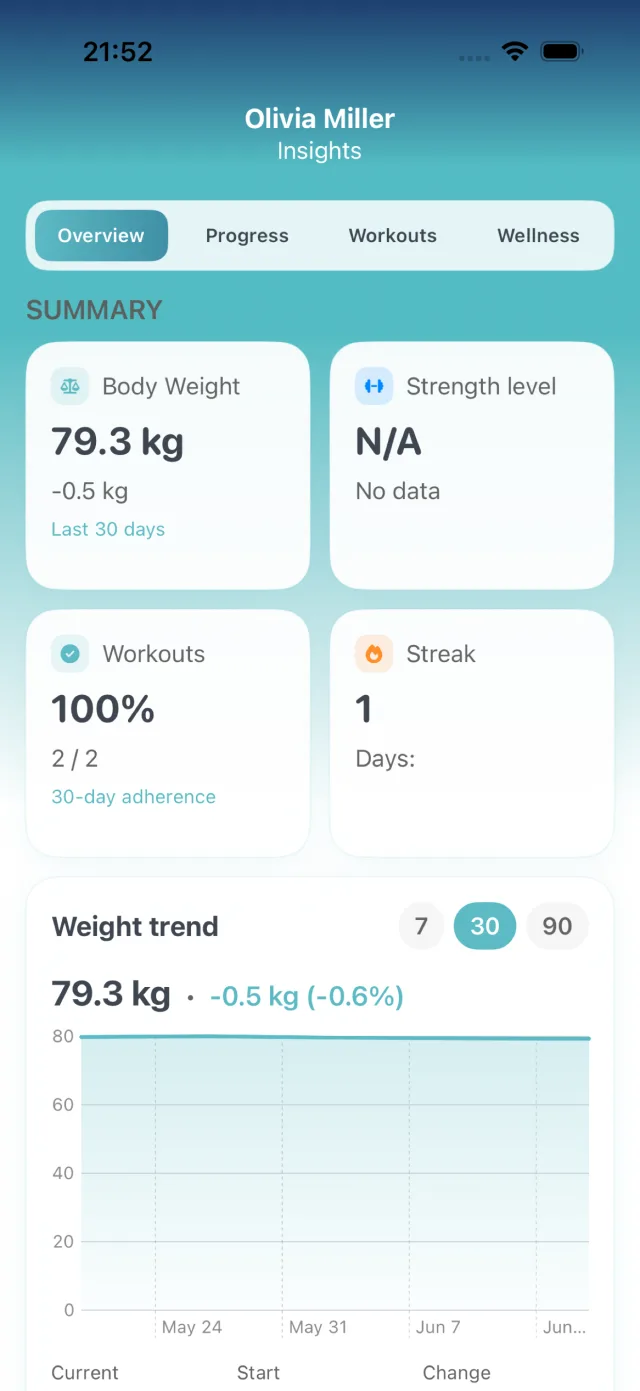
Progress
Bring weight logs, progress photos and feedback together to inform your next coaching decision.
Stress journalBeta
Sleep, stress and recovery in a few taps. Spot patterns together with your client.
Clients choose what to share. Coaches follow along.
Explore the health journalThis week: average stress 3 out of 5; sleep 7.5 hours a night.
Health journalBeta
Meals, hydration and daily habits in one place. See what changes, week by week.
Clients choose what to share. Coaches follow along.
This week: average water 2.1 litres across 7 logged days.
CoachAssist
Start free, invite a client, and keep the whole workflow in one place.
How it works
Connect by invite link or QR code.
Build workouts, routines, or ad-hoc sessions.
Clients request times, you approve the schedule.
Log sets, notes, progress, and client feedback.
Keep packages, balances, and payments visible.
Why switch
Instead of messages, spreadsheets, notes, and separate payment tracking, the main coaching workflows stay connected.
| Feature | CoachAssist | Traditional methods |
|---|---|---|
| Online booking | Included | Not included |
| Workout builder | Included | Not included |
| Payment tracking | Included | Not included |
| Progress photos | Included | Not included |
| Client reports | Included | Not included |
| iPhone app experience | Included | Not included |
Coach experiences
Three coaches, three perspectives on what makes day-to-day coaching simpler.
Strength & lifestyle
Hungary
“Before a session, I can see bookings, balances, and notes in one place. I spend less time piecing the week together.”

Personal training
Hungary
Works as a personal trainer at The Legend gym in Szeged.
Mobility & performance
Austria
“The calendar and progress notes give me a clear picture before I make the next coaching decision.”
CoachAssist Founding Coach Program
30-day intake · 20–30 coachesWe are looking for a small group of working coaches—not mass downloads. We will personally help you get started; in return, you tell us honestly what works and what is still missing.
We walk through the app around the way you already coach.
You are not left alone with an empty account and a checklist.
Share friction and questions without going through a support maze.
Your real coaching workflow helps us prioritize the next features.
Join the program and use CoachAssist Pro free for your first year.
Join the cohort on Facebook, WhatsApp, or Discord—chosen together.
The founder benefit is never tied to a positive or five-star review. We may ask for a candid case study only with your separate permission.
Pricing
Start with the basics for free. Pro adds more coaching tools, including AI workout drafts with monthly generation limits.
€0 / to start
€1.99 / month
About €0.07/day
€19.99 / year
Android · Beta program
Help refine the native Android app around your everyday coaching. The beta is still evolving, and your feedback comes straight to us.
Questions or feedback?Data & support
Straight answers about ownership, access, recovery, and support.
Read the privacy policyThe AI prepares an editable draft from reviewed CoachAssist exercises and your approved custom exercises. You check the plan and choose the weights before saving. Signed-in PRO coaches and independent PRO clients can use it, with monthly generation limits. As a client, you save to your own training plans. Names, contact details and private health notes are not sent to the AI provider. The feature is available on the web and in the iOS and Android test versions.
The coach remains responsible for the client data they enter, while clients keep all of their privacy rights. CoachAssist does not sell or claim ownership of that data.
Yes. Ask [email protected] for a portable copy of your data. Reports with a download option can also be exported directly.
Use Settings → Security → Delete account in CoachAssist, or email support if you cannot sign in. Clients can also contact their coach about coaching records.
Core records are stored in Google Cloud Firestore in the EU (eur3). Uploaded images and videos are currently stored in Google Cloud Storage in US East (us-east1).
Signed-in users and their connected coach or client can access only the data allowed by their role. Authorized operators may access data only when needed for support, security, or legal duties.
Continuous point-in-time recovery is enabled for the core database. Separate versioned backups are not currently enabled for uploaded media.
We aim to reply within two business days. Send your question to [email protected].
Available on iPhone
CoachAssist helps personal trainers build a cleaner, more professional coaching business. Join the Android beta and help shape what comes next.